
Customize the Appearance of Surveys in Microsoft Forms
This article applies to: Surveys Lite (Microsoft Forms)
Pre-made Cornell themed template links are available at the bottom of this article. | 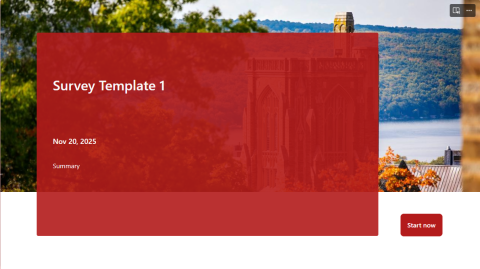
|
Customize Survey Appearance
- Open the form you want to customize in Microsoft Forms, or select from the ribbon at the top of the page.
- Select from the ribbon at the top-right of the page.
- From the pop-up Styles window, select one of the Layouts.
- Select one of the background images, or select to choose from additional colors and moving backgrounds, or upload your own background image and select a color.
- To upload your own background image or designate a color scheme with a hex code, select the plus icon
 (mouse over displays the text ).
 - Select the to upload an image from the web, OneDrive, or your computer.
- Select the to open a field where you can input a code.
- To upload your own background image or designate a color scheme with a hex code, select the plus icon
You don’t have to choose between uploading an image or customizing the overall color scheme of your form—you can set both style elements.
Create a Cornell Themed Template
To create a form that is aligned with Cornell themes, follow the steps above and source your background image and color from the following resources:
- Download a photo from the Cornell University Brand Center, then upload it when you customize your background image.
- Select a hex code from one of the approved color palettes, and enter it into the field when customizing your color.
Be mindful of web accessibility. Microsoft Forms text colors are controlled by the customized color, and can be unreadable against certain layouts and background images.
Use a Cornell Themed Template
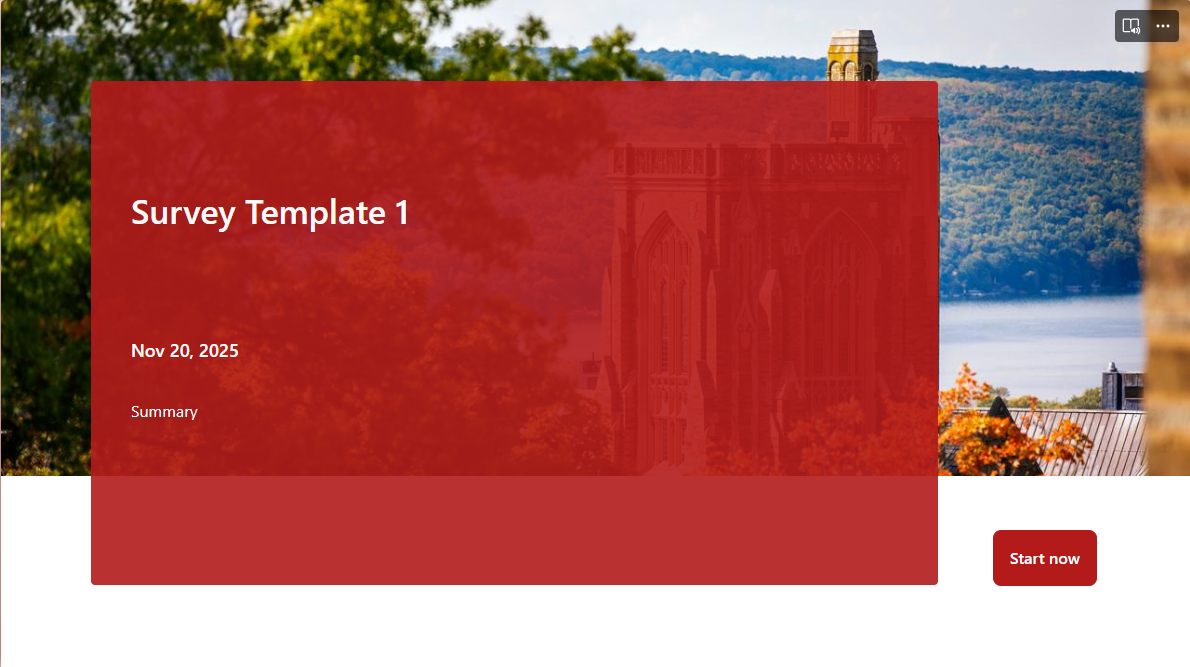
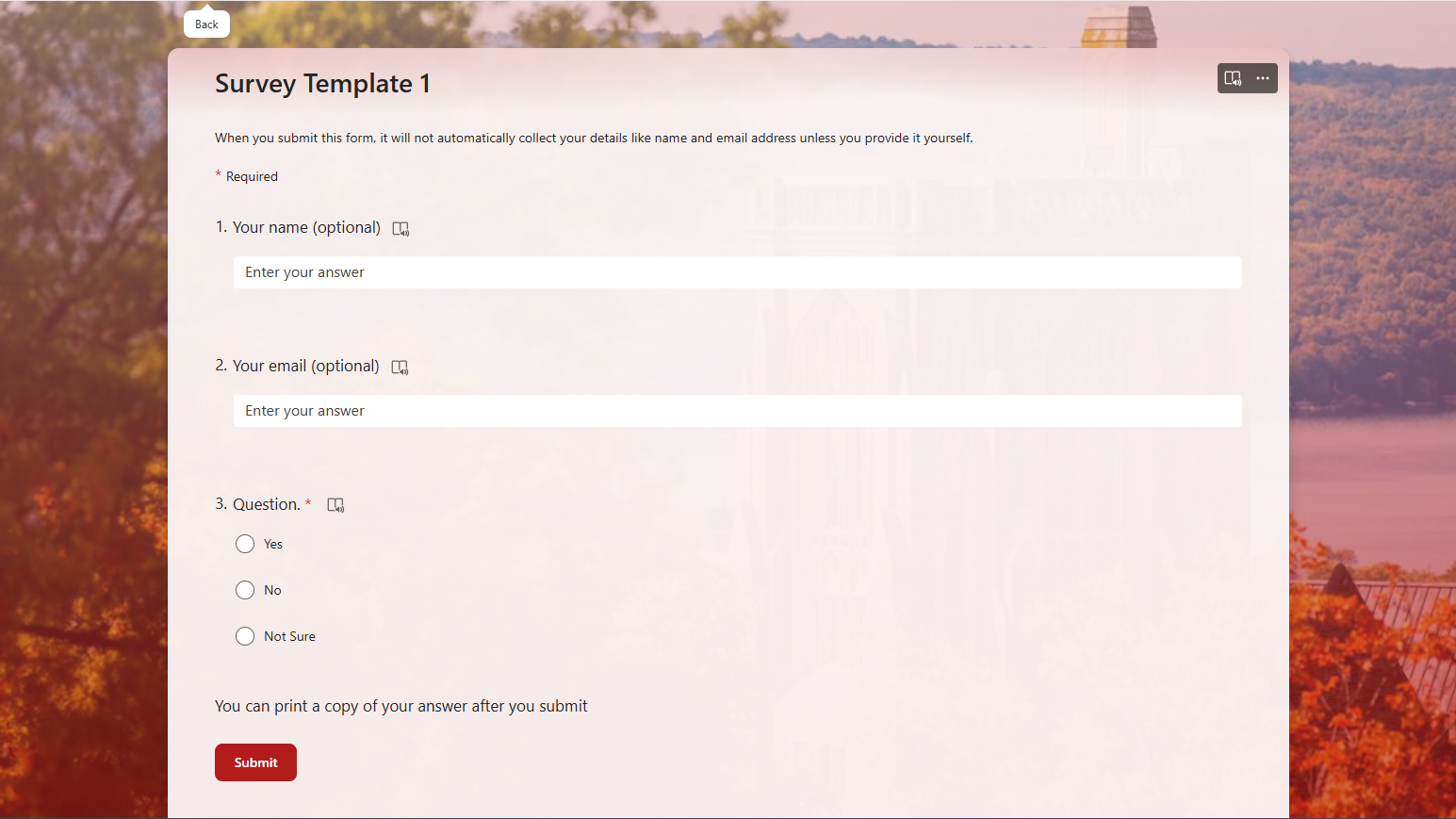
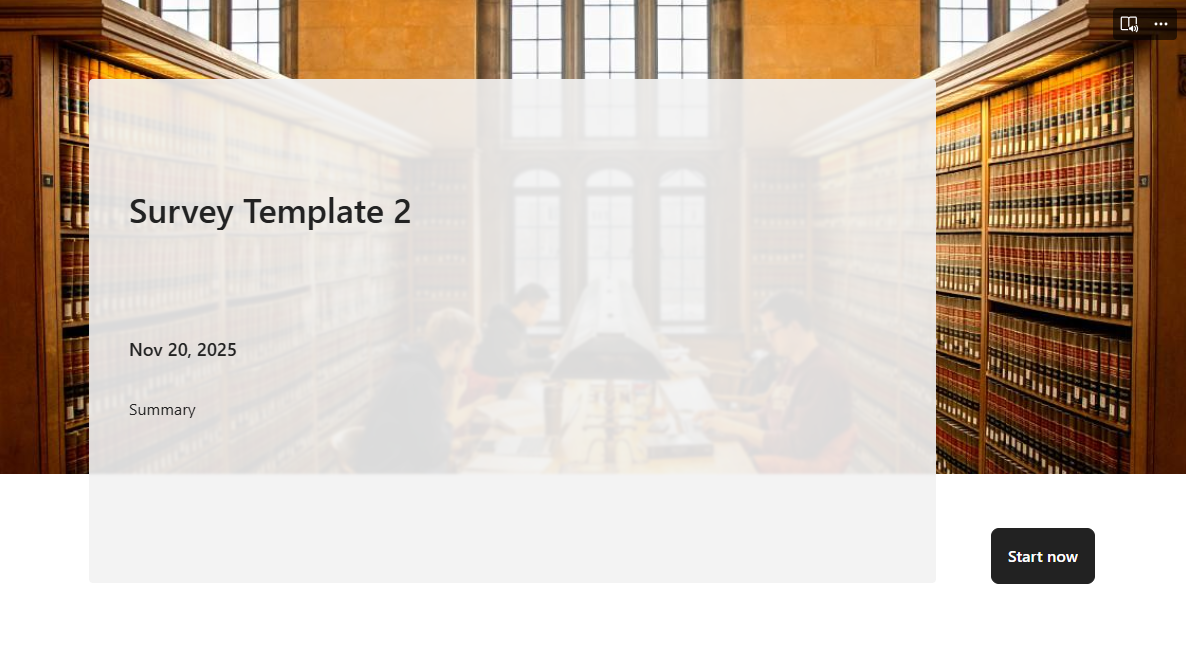
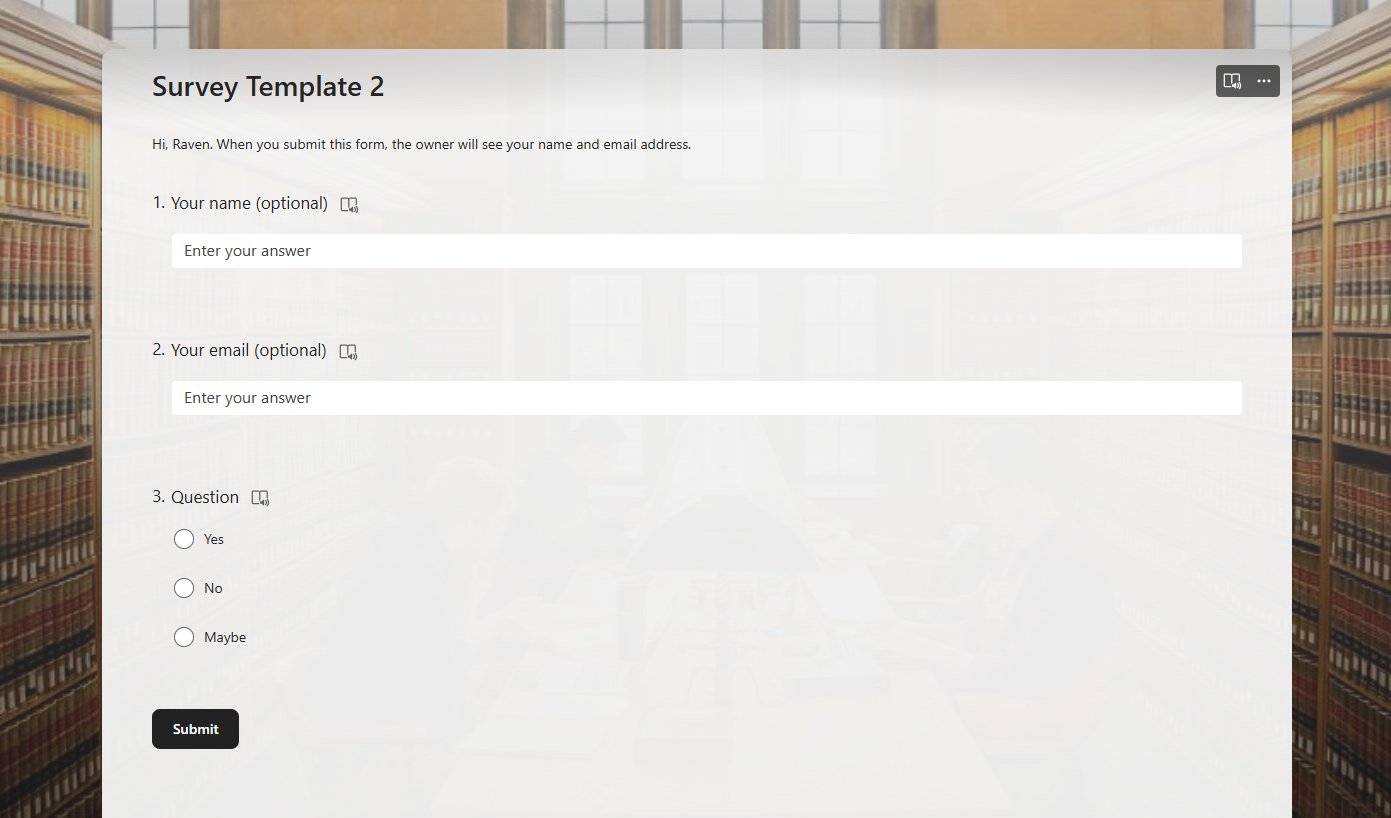
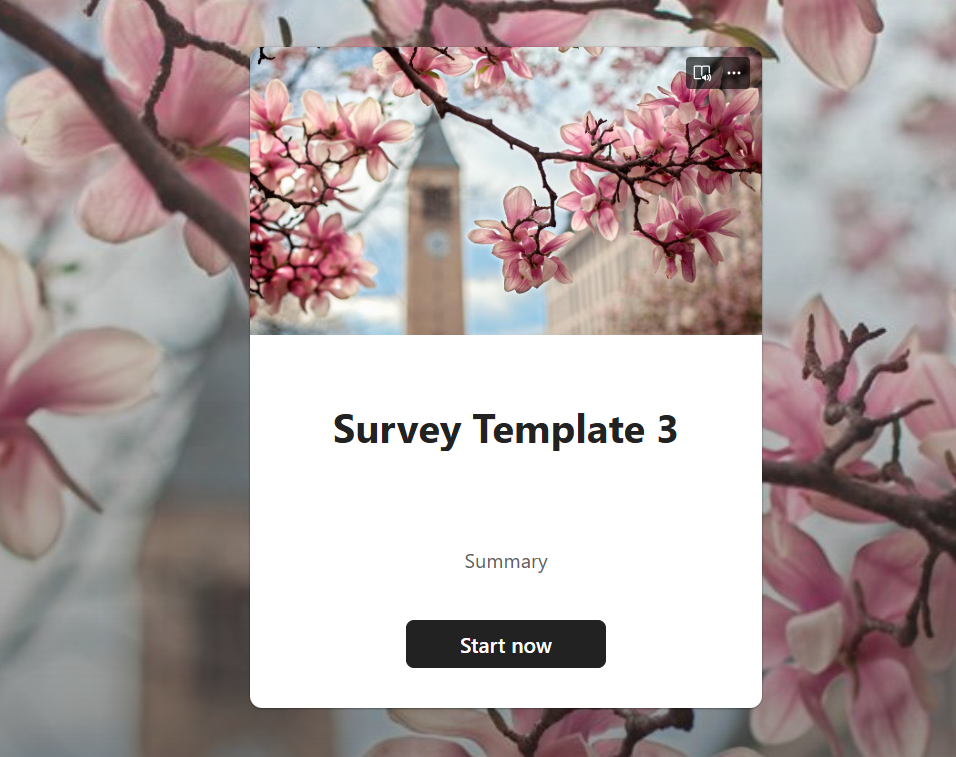
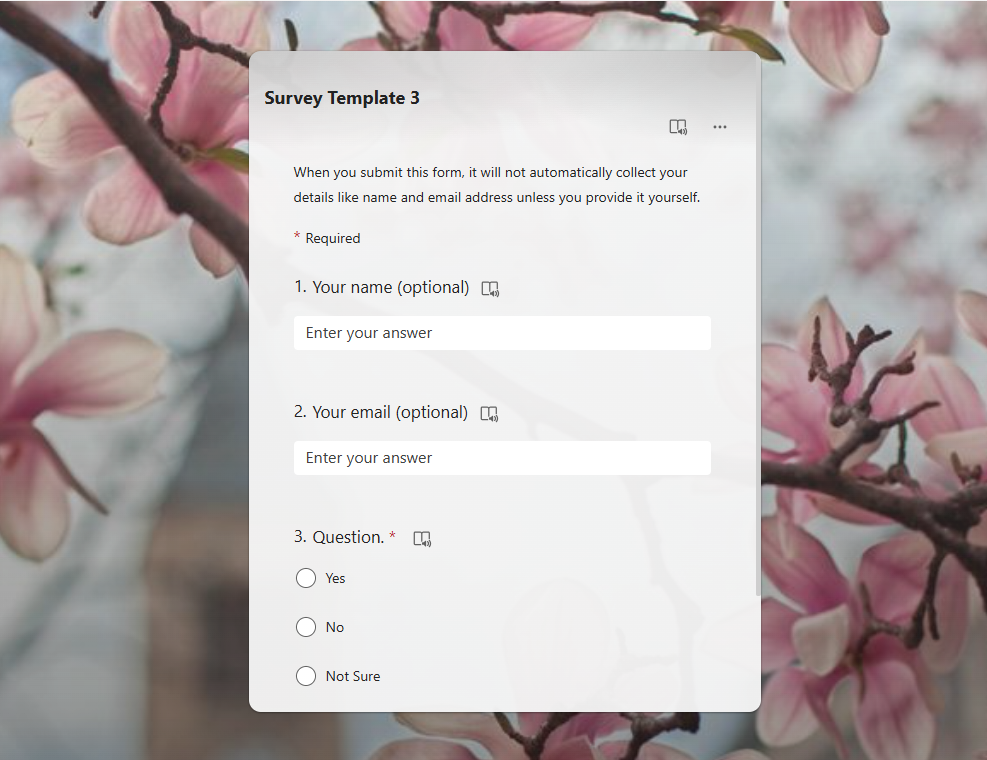
Click on one of the template links below to open it in Microsoft Forms, then select at the top of the page.
Template 1 |
|---|
|
Template 2 |
|---|
|
Template 3 |
|---|
|
Comments?
To share feedback about this page or request support, log in with your NetID