
Firefox Update May Initiate Extra Steps
Firefox updates may impact the Beyond Identity authenticator and result in extra steps before authenticating with Secure Connect.
This article applies to: Secure Connect
Starting with new releases of Firefox (after version 151) Firefox browsers will introduce a new Local Network Access (LNA) permission prompt.
For Secure Connect this may mean that some people see the following dialog box:
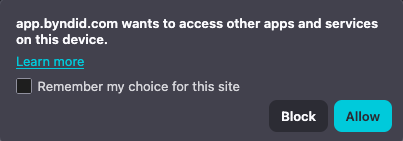
If you click “Block” Beyond Identity will continually show an additional pop-up where there were none before. To undo a “Blocked” site:
- In the Firefox File menu select (sometimes )
- Select
Select
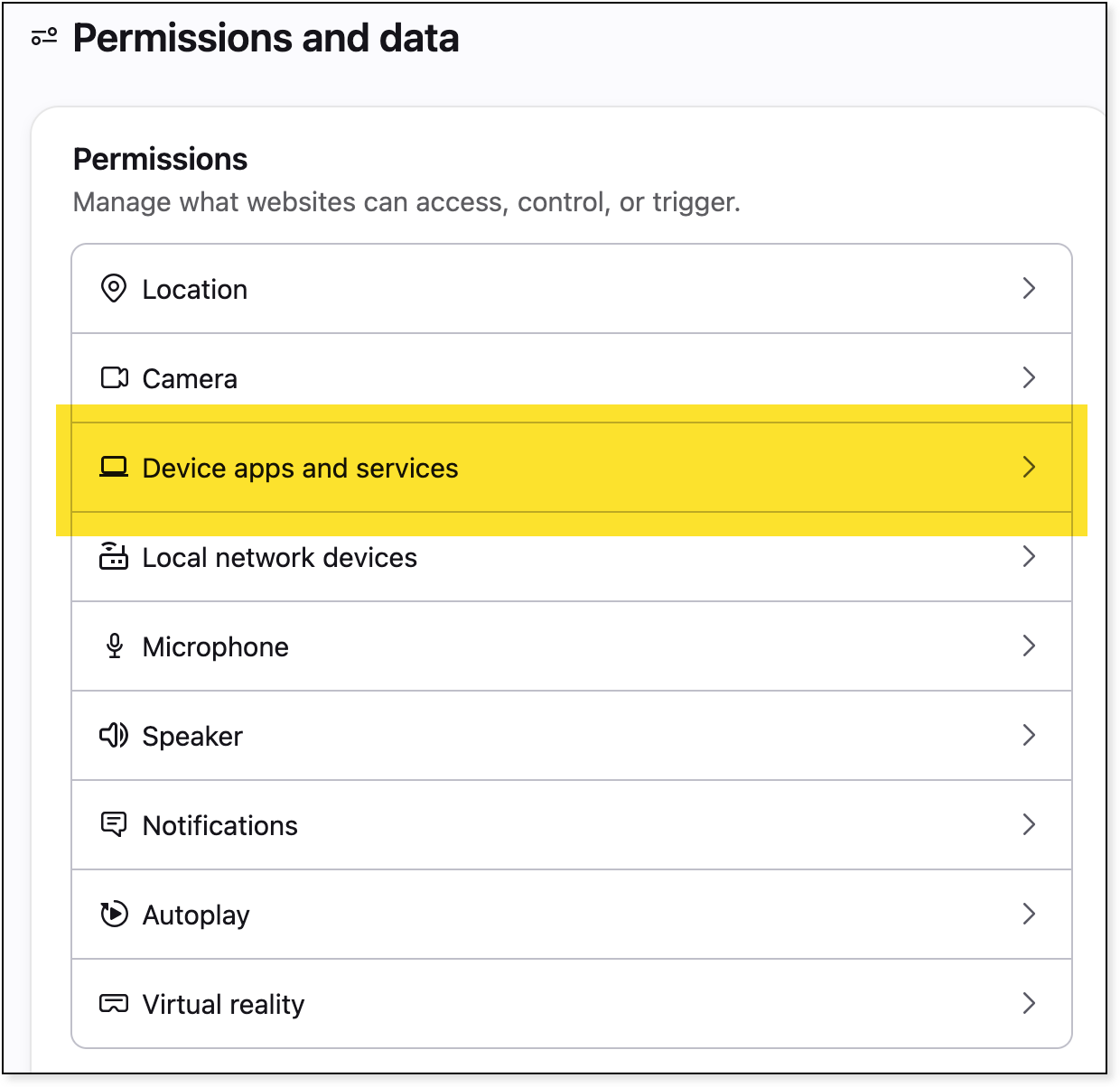
- Find app.byndid.com and toggle it to
Comments?
To share feedback about this page or request support, log in with your NetID